
Repostless → Android
Repostless for Android
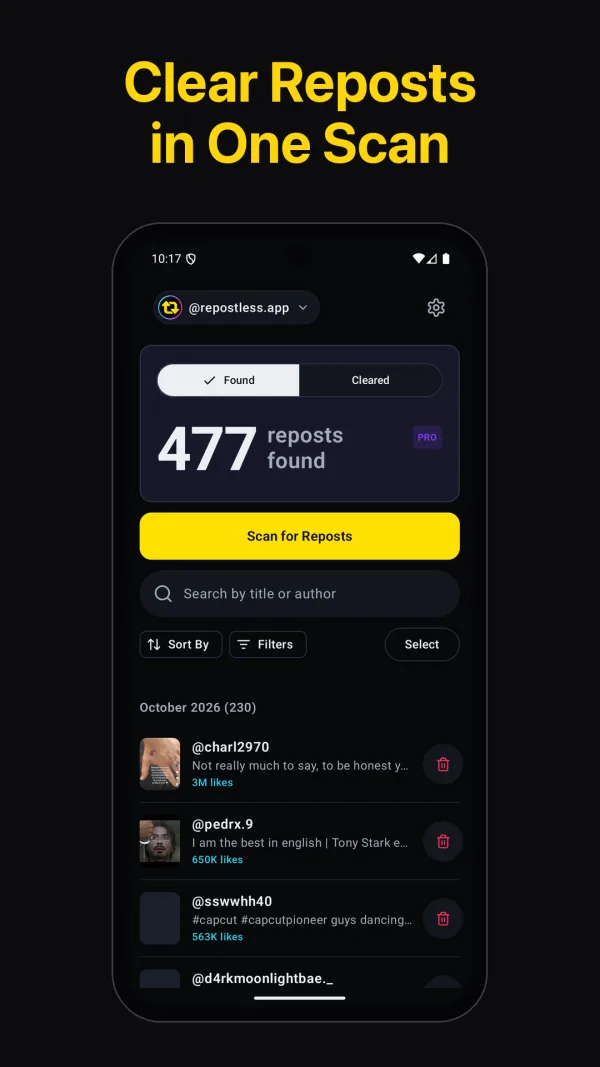
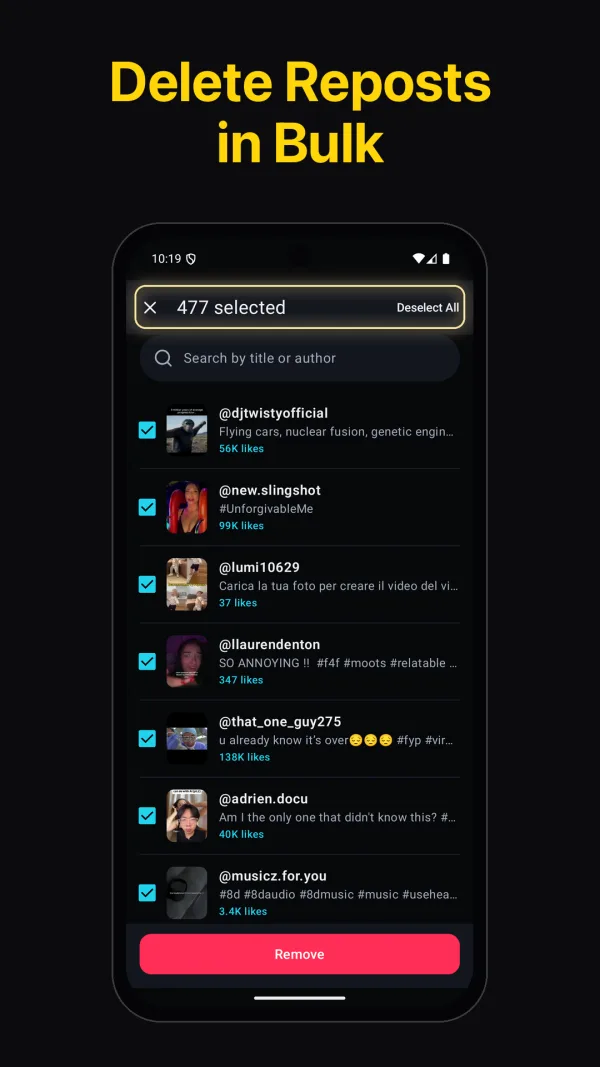
Repostless is on Google Play. It finds every repost on your TikTok profile, lists them in one place, and removes the ones you pick - in bulk, on your own phone. Scanning is free, and so are your first removals.


Android 8.0 or later. Also on iPhone and iPad with iOS 17 or later.
How it works
- Sign in to TikTok on TikTok's own screen inside the app. Repostless never sees your password.
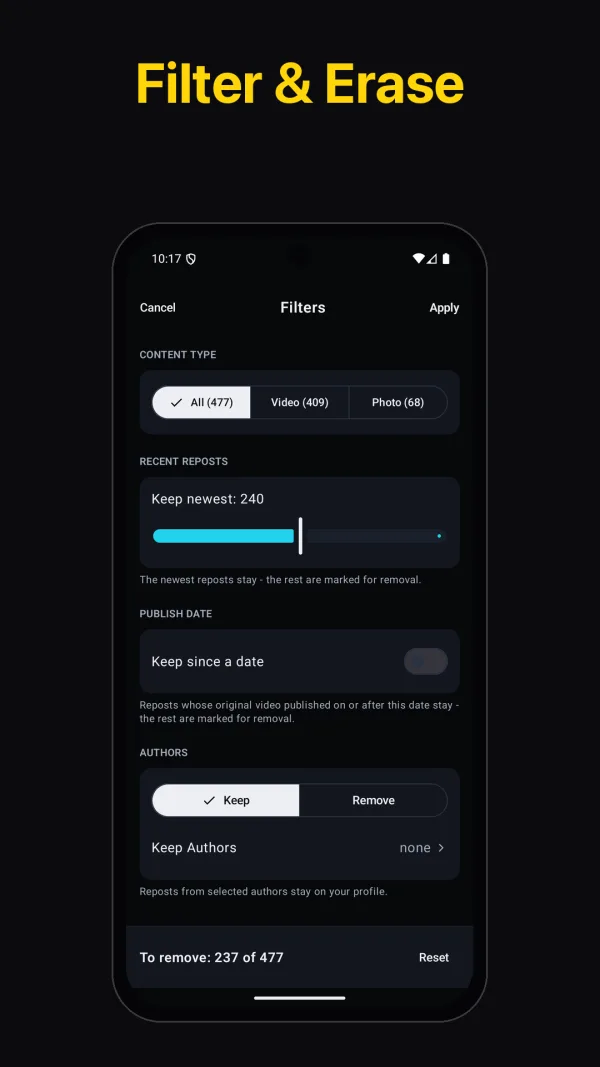
- Scan your profile. Every repost shows up in one list, with filters.
- Pick and remove. Select a few or all of them, start the removal, and watch the count go down.
Everything happens in your session on your phone, paced on purpose. There is no Repostless server in the loop.

What is different on Android
- It keeps going when you switch apps. A removal you started carries on in the background, with a notification that shows the progress. On iPhone it pauses until you come back.
- Purchases belong to the store you bought in. Pro bought on Google Play unlocks the Android app; a purchase made on the App Store does not carry over, and the other way round.
Five questions to ask of any repost remover
This applies to every tool on every platform, ours included.
- Does it ask for your TikTok password? A tool that works inside your own signed-in session never needs it. If it wants your credentials, a server somewhere logs in as you.
- Where does the removal actually happen? On your device, or on the vendor's machines?
- Does it pace itself? Hundreds of instant actions look like automated spam. Raw speed in the marketing copy is risk in disguise.
- Does it keep a record? TikTok has no undo. A list of what was removed is the only way to put anything back.
- Can you stop it halfway? Pause, resume and cancel, without losing track of progress.
Prefer to do it by hand?
TikTok lets you remove reposts one at a time: open the reposted video, tap Share, then Remove repost. There is no bulk option in the TikTok app. The arithmetic of doing it by hand is in how to delete all your TikTok reposts at once.