Can you undo a removed repost?
No. Once a repost is removed, TikTok offers no undo and no "recently removed" list. The only way back is to find the original video and repost it again by hand — which is easy if you know what it was, and nearly impossible if you removed three hundred at once and kept no note.
No — TikTok has no undo for a removed repost. You can repost the original again by hand while it still exists, which is only practical if you kept a record of what you removed.
Putting one back by hand
- Find the original video — on the creator's profile, through search, or from a link you saved.
- Tap Share, then tap Repost.
It goes back onto your repost tab as a new repost. It will not return to its old position in the list, because the tab is ordered by when you reposted.
It only works while the original exists. If the creator has deleted it or made it private since, there is nothing to repost.
Why a record matters before a big clean-up
With a handful of reposts, you remember what they were. With hundreds, you do not — and a clean-up is exactly when you are most likely to remove something you later want back.
A record turns "gone" into "gone, but findable". It needs three things per video: who made it, what it was about, and when you removed it.
How Repostless handles it
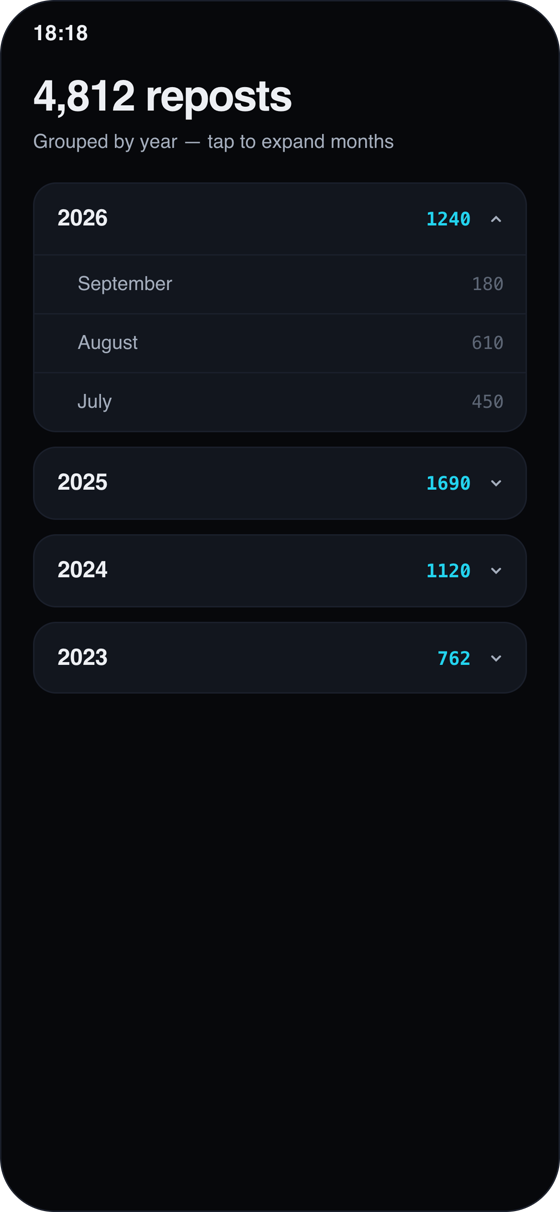
- Clean-up history. Every repost Repostless removes is listed on the phone, grouped by month and day, with the creator and the caption.
- Open the original. From the history you can go back to the video and repost it by hand if you change your mind.
- Export PRO — take the list off the phone as a file.
- It stays yours. The history lives on the device, not on a server, and you can erase it from Settings.
A record lets you find a video again. It cannot bring back a video its creator has since deleted — nothing can.
Clean up with a paper trail
Repostless keeps a history of everything it removes, so a change of mind is a search, not a loss.
Download Repostless