How to check how many reposts you have
Your profile shows followers, following and likes. It does not show how many videos you have reposted. The repost tab loads a screen at a time and never gives you a total.
TikTok shows no repost total on your profile. Count by scrolling the repost tab, or let an app scan it — Repostless shows the number and the full list for free.
What TikTok shows, and what it does not
No count appears on the profile or on the repost tab itself — every source we checked agrees on that. Whether a repost figure exists somewhere inside TikTok's analytics for creator accounts, we could not verify, so we are not going to tell you it does not.
Way 1 — count by scrolling
Open your repost tab and scroll to the bottom, counting rows as you go. A row is three videos on most phones. It works for a few dozen. Past that, the list takes longer to load the further you go, and it is very easy to lose your place.
Way 2 — let an app scan it
Repostless's first step is a scan: it walks your repost tab to the end and gives you the number, with every video listed underneath. Seeing the number is free — there is no charge to find out what you are dealing with.
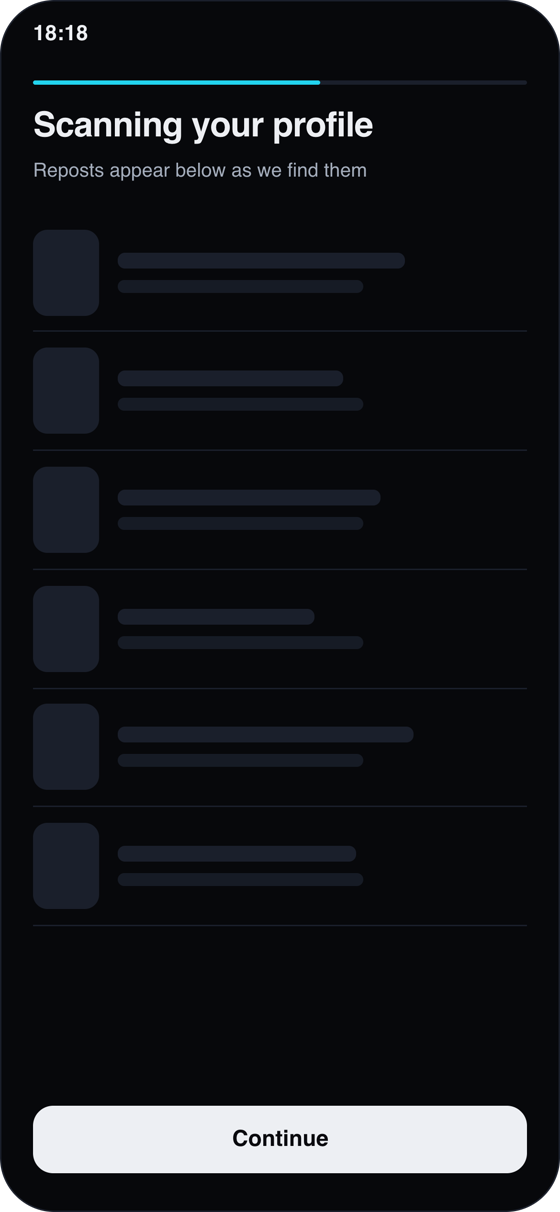
If TikTok stops loading more videos partway through — it sometimes rate-limits long scrolls — a scan can only report what it saw. A careful tool tells you when that happened rather than presenting a partial count as final. If the total looks low, run the scan again later.
What to do with the number
A dozen reposts: clear them by hand in a minute — see how to delete a repost on TikTok. A few hundred: work out what that costs you on the estimator before you commit an evening to it.
Get your number
Scan your repost tab with Repostless — the count and the full list, free.
Download Repostless